


ACM V2 65 50 0 441 372 - retrofit issue


Thread Starter
Contributors
Joined: Dec 2004
Posts: 1,432
Likes: 0
From: Brazil
My Ride: 2007 E60 M5

I just got time to install the LCI headligths, ACM v2 and USB adapter.
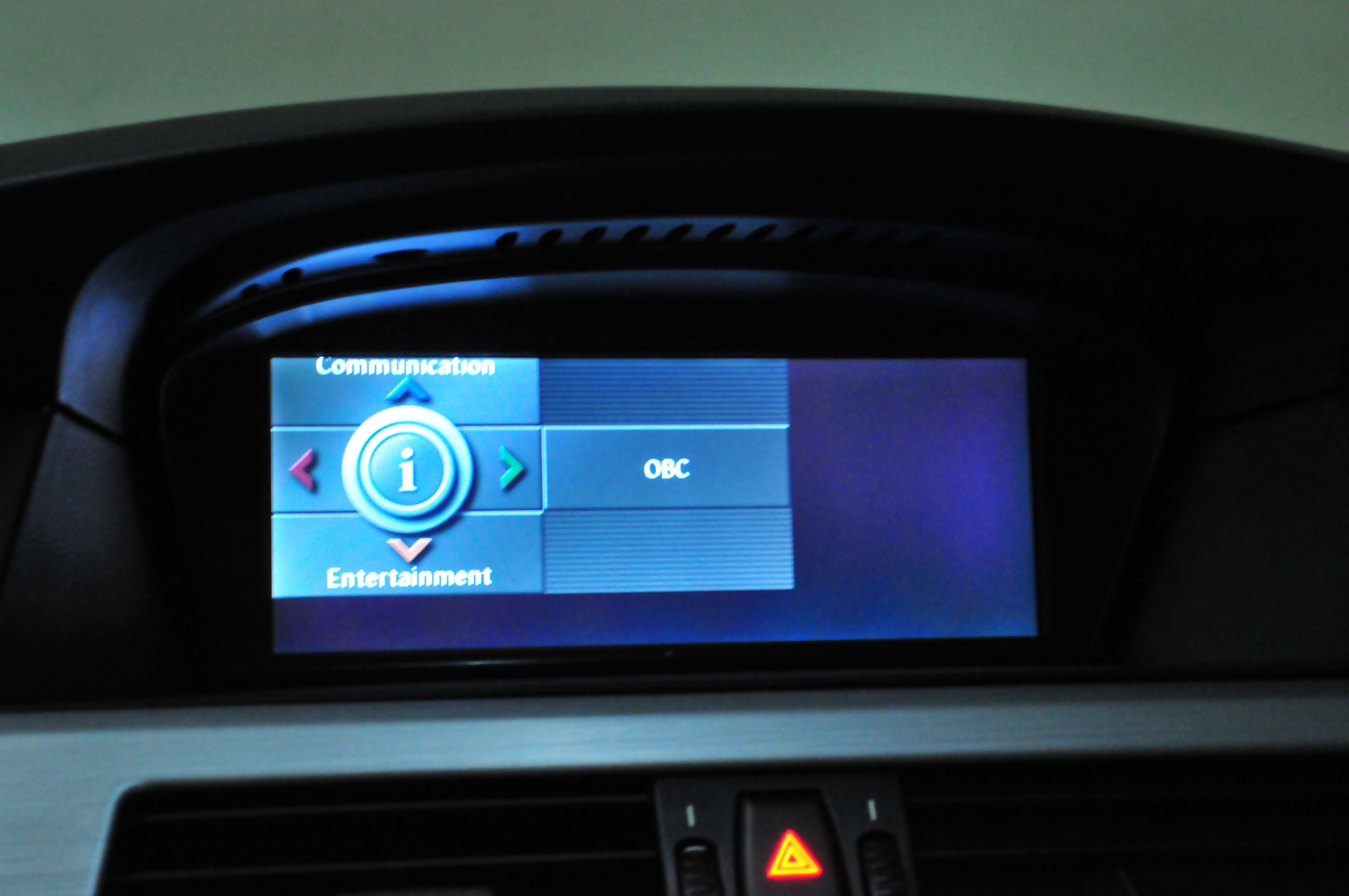
I got an issue with the display image. The image is fine for the ACM menu but when I swap to iDrive I got an image misalignment.
I done the ACM unit C initialization procedure but didn't work.
My car have the 8.8" display.
I will take the car tomorrow to the dealer to check it.
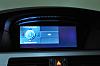
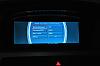
I got an issue with the display image. The image is fine for the ACM menu but when I swap to iDrive I got an image misalignment.
I done the ACM unit C initialization procedure but didn't work.
My car have the 8.8" display.
I will take the car tomorrow to the dealer to check it.

Contributors
Joined: Aug 2004
Posts: 4,979
Likes: 2
From: SJC/CA/US
Alex,
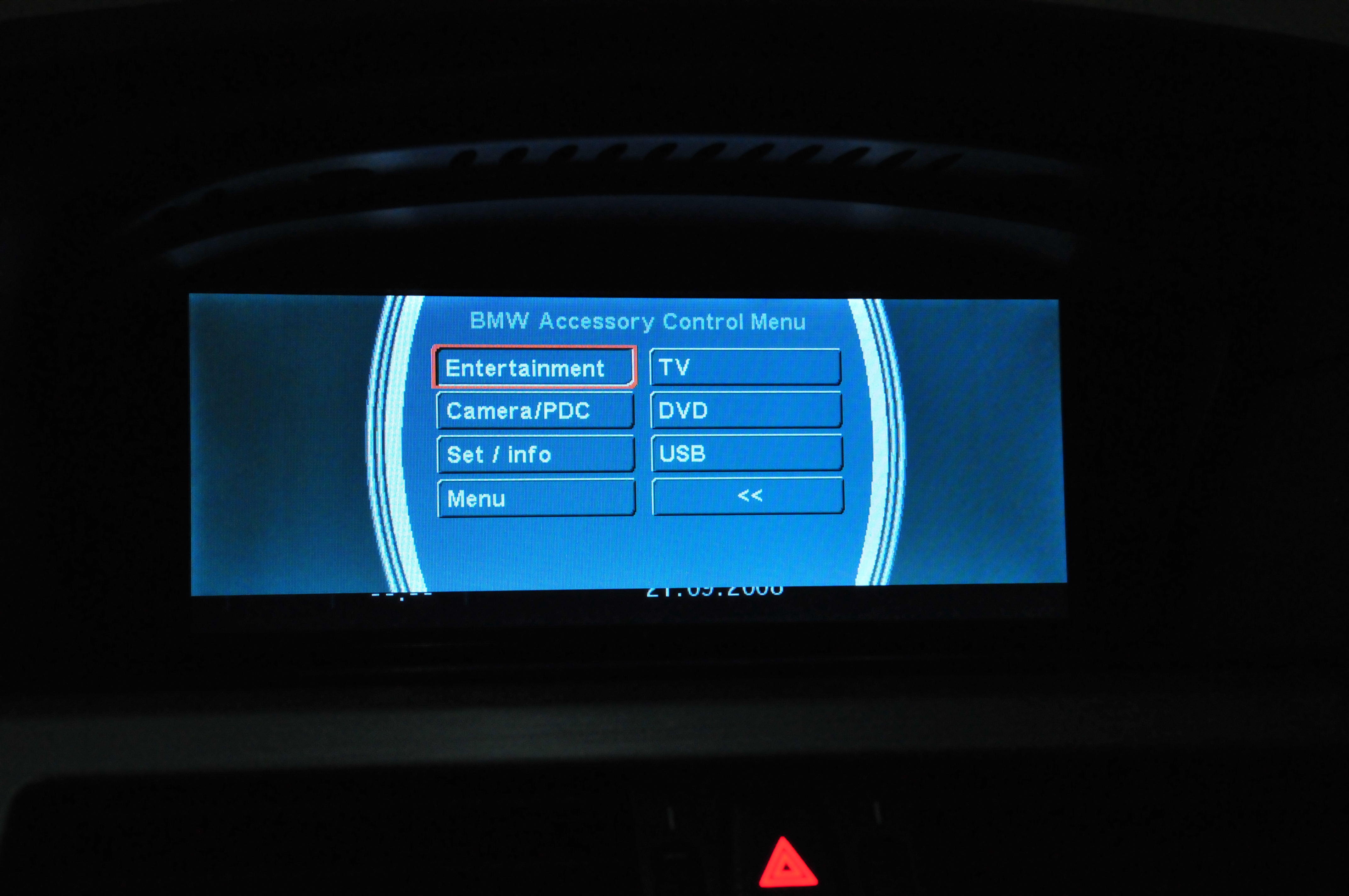
To go menu ACM menu as shown in second image:
Slide iDrive controller to the right once and three times to the left, and enter.
Find menu that auto adjust the image, and it'll fix it.
Fred
To go menu ACM menu as shown in second image:
Slide iDrive controller to the right once and three times to the left, and enter.
Find menu that auto adjust the image, and it'll fix it.
Fred

Contributors
Joined: Jun 2005
Posts: 2,799
Likes: 1
From: Chalandri/Athina/Hellas
There is an auto screen alignment button into the "service menu" on latest version ACMs. That's what Fred means.
Hi Fred Where have you been mate?
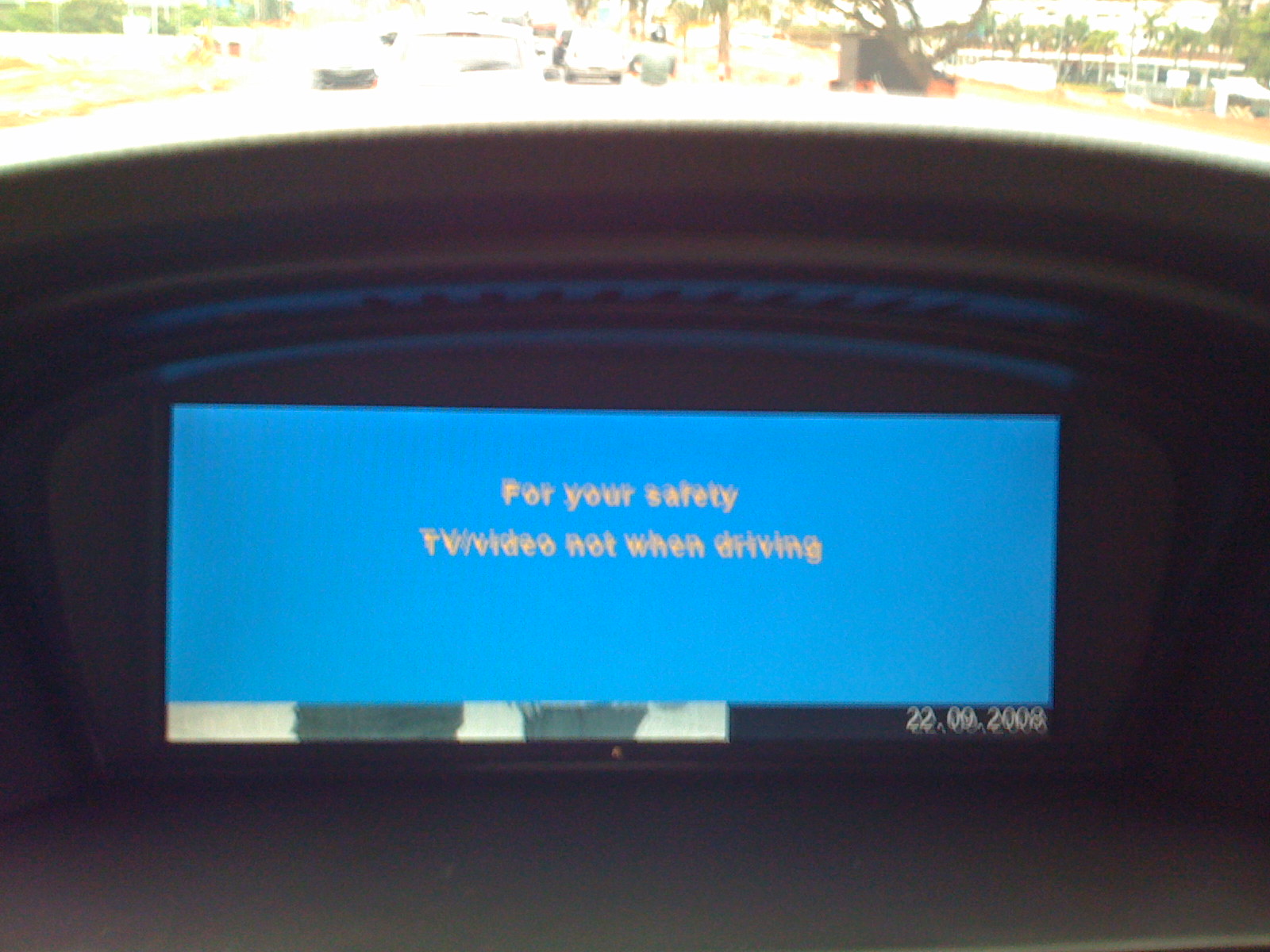
My problem is that I can't watch USB Video or Pictures when moving.
Alex, do you have the same problem? Pin2 on A1 is disconnected!
Hi Fred
Where have you been mate? My problem is that I can't watch USB Video or Pictures when moving.
Alex, do you have the same problem? Pin2 on A1 is disconnected!
Thread Starter
Contributors
Joined: Dec 2004
Posts: 1,432
Likes: 0
From: Brazil
My Ride: 2007 E60 M5
Originally Posted by my530i' post='675103' date='Sep 22 2008, 04:19 AM
Alex,
To go menu ACM menu as shown in second image:
Slide iDrive controller to the right once and three times to the left, and enter.
Find menu that auto adjust the image, and it'll fix it.
Fred
To go menu ACM menu as shown in second image:
Slide iDrive controller to the right once and three times to the left, and enter.
Find menu that auto adjust the image, and it'll fix it.
Fred
It works! Thanks for fixing this issue. I tried to call up the ACM Service menu but I was turning the iDrive knob instead of slide.
Thanks again.
Alex
Thread Starter
Contributors
Joined: Dec 2004
Posts: 1,432
Likes: 0
From: Brazil
My Ride: 2007 E60 M5
Originally Posted by nicke60gre' post='675143' date='Sep 22 2008, 07:51 AM
There is an auto screen alignment button into the "service menu" on latest version ACMs. That's what Fred means.
Hi Fred Where have you been mate?
My problem is that I can't watch USB Video or Pictures when moving.
Alex, do you have the same problem? Pin2 on A1 is disconnected!
Hi Fred
Where have you been mate? My problem is that I can't watch USB Video or Pictures when moving.
Alex, do you have the same problem? Pin2 on A1 is disconnected!
Didn't try yet. I will check it and let you know.
Alex

Contributors
Joined: Nov 2005
Posts: 4,719
Likes: 3
From: London, UK
My Ride: BMW E60 520d SE Saloon M47 2.0dTitanium Grey II, Grey−Dakota Leather, Visibility Package, Media Package, Through Load System, Lumbar support − fr seats, Automatic Air Conditioning−Advanced, High beam assistant, Hi−Fi Loudspeak
Model Year: 2006
Originally Posted by nicke60gre' post='675143' date='Sep 22 2008, 11:51 AM
There is an auto screen alignment button into the "service menu" on latest version ACMs. That's what Fred means.
Hi Fred Where have you been mate?
My problem is that I can't watch USB Video or Pictures when moving.
Alex, do you have the same problem? Pin2 on A1 is disconnected!
Hi Fred
Where have you been mate? My problem is that I can't watch USB Video or Pictures when moving.
Alex, do you have the same problem? Pin2 on A1 is disconnected!
Thread Starter
Contributors
Joined: Dec 2004
Posts: 1,432
Likes: 0
From: Brazil
My Ride: 2007 E60 M5
Originally Posted by Alex.br' post='675191' date='Sep 22 2008, 10:31 AM
Hi Nick,
Didn't try yet. I will check it and let you know.
Alex
Didn't try yet. I will check it and let you know.
Alex
Can't see video from ACM when driving just from the CCC. I have the TV module!
I will follow Bruce's diagram.
Contributors
Joined: Aug 2004
Posts: 4,979
Likes: 2
From: SJC/CA/US
Originally Posted by nicke60gre' post='675143' date='Sep 22 2008, 03:51 AM
There is an auto screen alignment button into the "service menu" on latest version ACMs. That's what Fred means.
Hi Fred Where have you been mate?
Hi Fred
Where have you been mate?
I check this forum almost everyday

Contributors
Joined: Nov 2005
Posts: 4,719
Likes: 3
From: London, UK
My Ride: BMW E60 520d SE Saloon M47 2.0dTitanium Grey II, Grey−Dakota Leather, Visibility Package, Media Package, Through Load System, Lumbar support − fr seats, Automatic Air Conditioning−Advanced, High beam assistant, Hi−Fi Loudspeak
Model Year: 2006
Yes. just disconnect Pin 2 and Pin 19 from the CAN interface and it will work at any speed.

Thread
Thread Starter
Forum
Replies
Last Post