


Adding speed camera POI to your SatNav DVD

Senior Members
Joined: Jun 2004
Posts: 1,229
Likes: 0
From: Copenhagen, Denmark

No, you won't get a warning before.. The icons for the POI (speed cameras) will just show up as your normal POI does...
I could need some help with burning a NAV DVD.. I have a *.iso file, and when I burn it everyrhing seems to be working, ut when I insert the DVD in the car, it just says insert NAV DVD .
.
The original NAV DVD is using a file/disc system called UDF, and the disc I've burned are using a system/format called UDF1.02, is that why the new DVD won't work ?
I've burned the DVD at the lowest speed possible (2.4x) with Alcohol 120% on a DVD-R (Verbatim). But it dosen't work.
I could need some help with burning a NAV DVD.. I have a *.iso file, and when I burn it everyrhing seems to be working, ut when I insert the DVD in the car, it just says insert NAV DVD
.The original NAV DVD is using a file/disc system called UDF, and the disc I've burned are using a system/format called UDF1.02, is that why the new DVD won't work ?
I've burned the DVD at the lowest speed possible (2.4x) with Alcohol 120% on a DVD-R (Verbatim). But it dosen't work.

Members
Joined: Feb 2006
Posts: 39
Likes: 0
From: Herts, UK
My Ride: 530d Sport manual Mystic Blue, black Dakota leather, advanced air con, fold/split rear seats, Logic 7, business nav, 6cd, heated F seats
Originally Posted by E60Sim' post='393587' date='Feb 20 2007, 09:24 PM
No, you won't get a warning before.. The icons for the POI (speed cameras) will just show up as your normal POI does...
What are "eject box" & "trailer clutch" that you show in your profile?
And what MP3 capability does CIP 20.02 give you? - ability to play MP3s from the centre console CD?
Senior Members
Joined: Jun 2004
Posts: 1,229
Likes: 0
From: Copenhagen, Denmark
Originally Posted by petem77' post='393821' date='Feb 21 2007, 12:03 PM
Thanks for that clarification.
What are "eject box" & "trailer clutch" that you show in your profile?
And what MP3 capability does CIP 20.02 give you? - ability to play MP3s from the centre console CD?
What are "eject box" & "trailer clutch" that you show in your profile?
And what MP3 capability does CIP 20.02 give you? - ability to play MP3s from the centre console CD?
Trailer clutch = trailer connection?
We got the MP3 capability in the centre console (NAV PRO / CCC) with CIP 20 when it came. We haven't updated the car since that day, since everything is working just fine now !

Members
Joined: Apr 2005
Posts: 79
Likes: 0
From: Warwick, UK
My Ride: '05 530D Sport Auto plus bits.
Hi,
I'm having the same problem as an earlier poster trying to patch a 2005-1 disc which does not have the SEV entries in the eng.lsc file. When burned using nero to a +RW the nav works fine but no POI's are available when you try and select one.
The fix wasn't posted on the thread but appered to be PM'd. If anyone has a pointer it would be appreciated.
Fatlab
I'm having the same problem as an earlier poster trying to patch a 2005-1 disc which does not have the SEV entries in the eng.lsc file. When burned using nero to a +RW the nav works fine but no POI's are available when you try and select one.
The fix wasn't posted on the thread but appered to be PM'd. If anyone has a pointer it would be appreciated.
Fatlab

Members
Joined: Sep 2006
Posts: 105
Likes: 0
From: Adelaide, Australia
My Ride: BMW E60 530i, Production Date May 2005
Originally Posted by Fatlab' post='395413' date='Feb 26 2007, 01:53 AM
Hi,
....... When burned using nero to a +RW the nav works fine but no POI's are available when you try and select one.
Fatlab
....... When burned using nero to a +RW the nav works fine but no POI's are available when you try and select one.
Fatlab
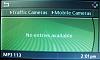
Are you saying that the screen just says No entries available , or you don't see the POI's to select?
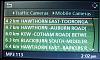
If it says No entries available , try selecting a different destination like the capital city in your area. You see, someone has coded in the POI's into the file and most tend to code POI's near their own location. I was getting stumped originally thinking I'd done something wrong, but found that when I chose a major city as the destination, the POI's worked.
Cheerz


Members
Joined: Sep 2006
Posts: 105
Likes: 0
From: Adelaide, Australia
My Ride: BMW E60 530i, Production Date May 2005
Hi,
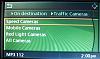
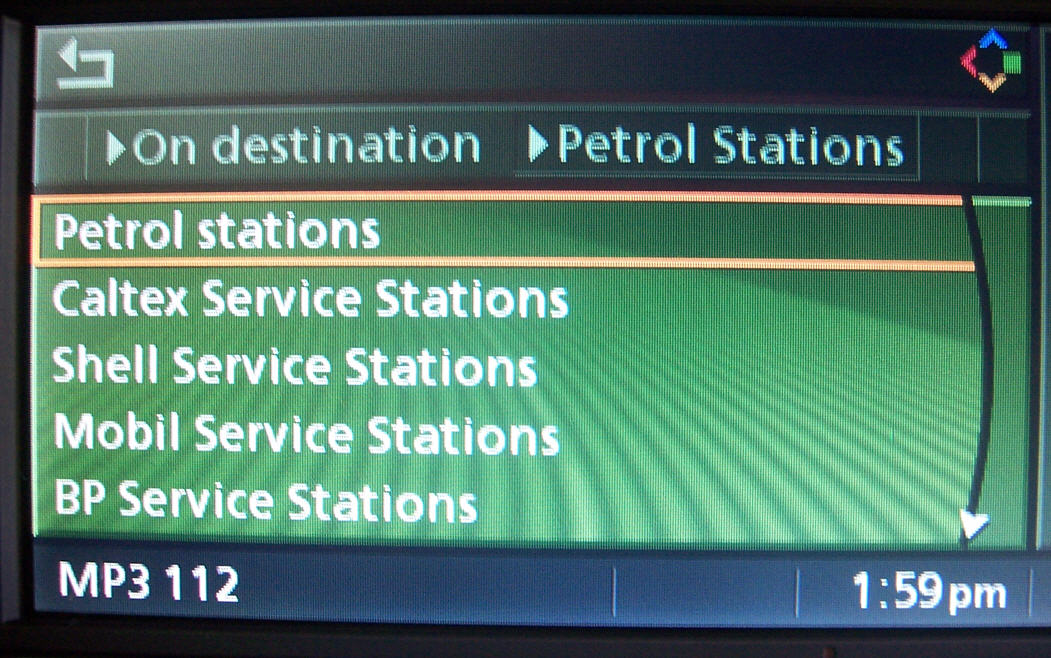
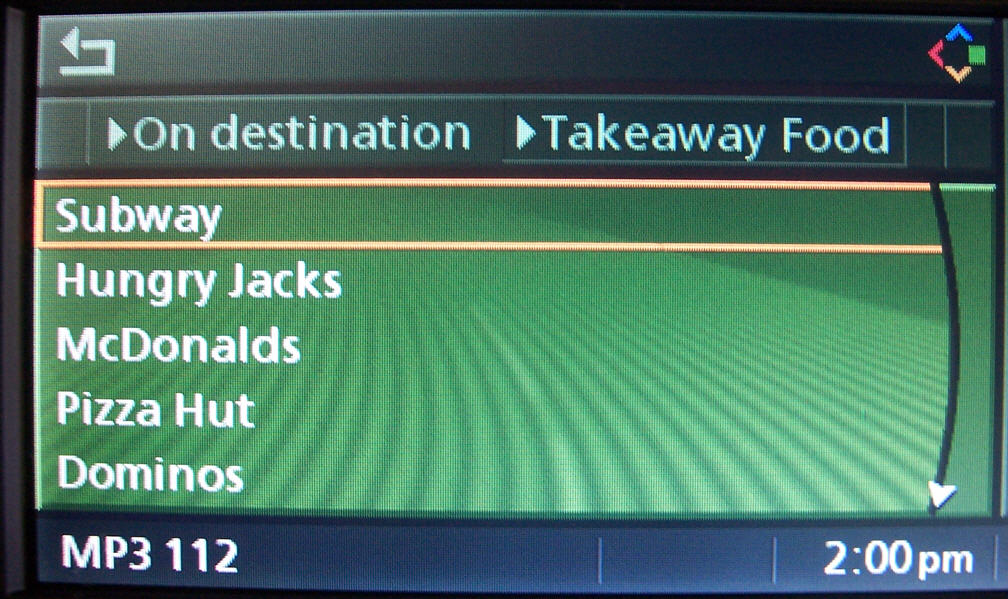
These screens show some of the POI Groups and individual POI's I have added. You can add additional GROUPS, then say where you want the GROUPS to be available to select.
This shows that I've added Groups called:
1) Takeaway Food
2) Banks / ATM's
3) Traffic Cameras
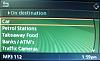
This shows the additional Petrol Stations I've added.
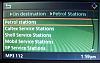
This shows the additional group called Takeaway Food and types within this group.
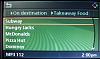
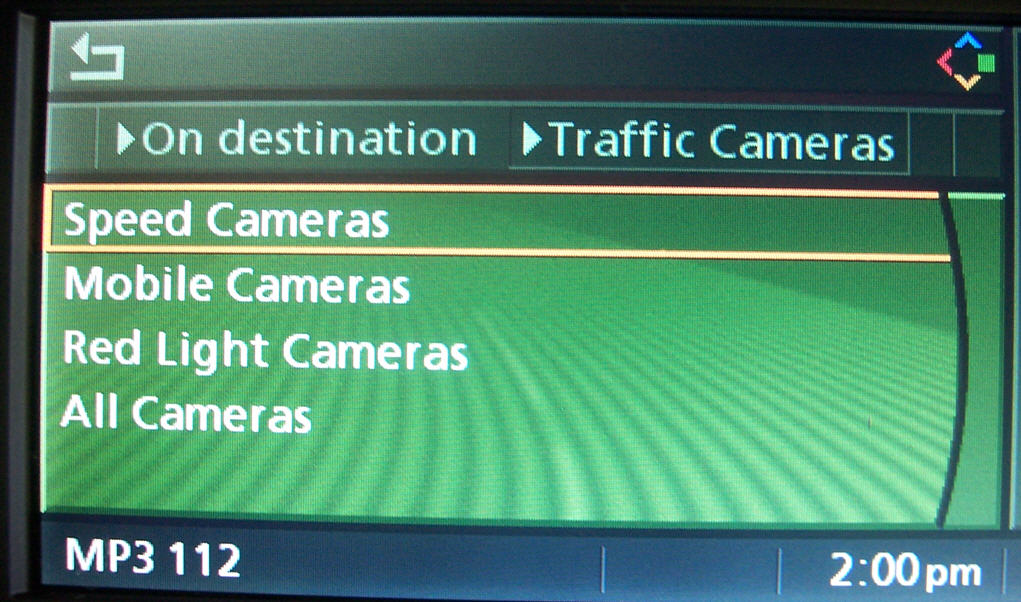
This shows the new group Traffic Cameras and the types within this group.
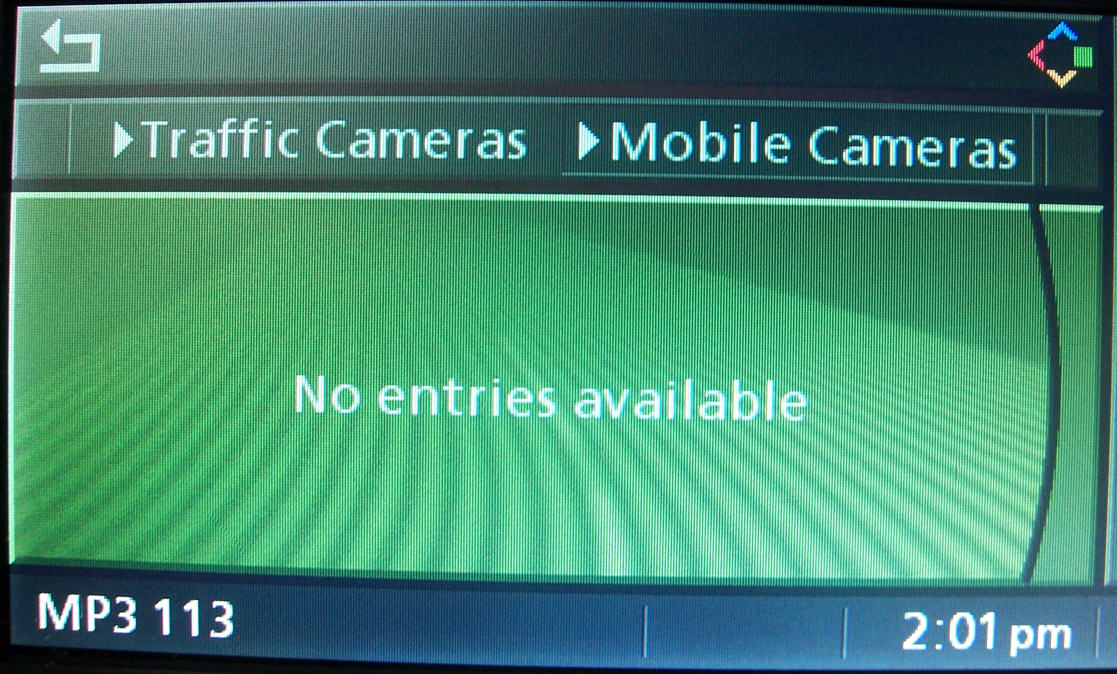
For a given destination, Mobile Cameras displays No entries available.
But changing to a Capital City, it displays.
This is from a E60 Pro Nav DVD from Australia. You can also burn to a CD if the space required is under 700Mbs, mine only takes up about 575Mbs so it's on a CD-RW for testing purposes.
Cheerz
These screens show some of the POI Groups and individual POI's I have added. You can add additional GROUPS, then say where you want the GROUPS to be available to select.
This shows that I've added Groups called:
1) Takeaway Food
2) Banks / ATM's
3) Traffic Cameras
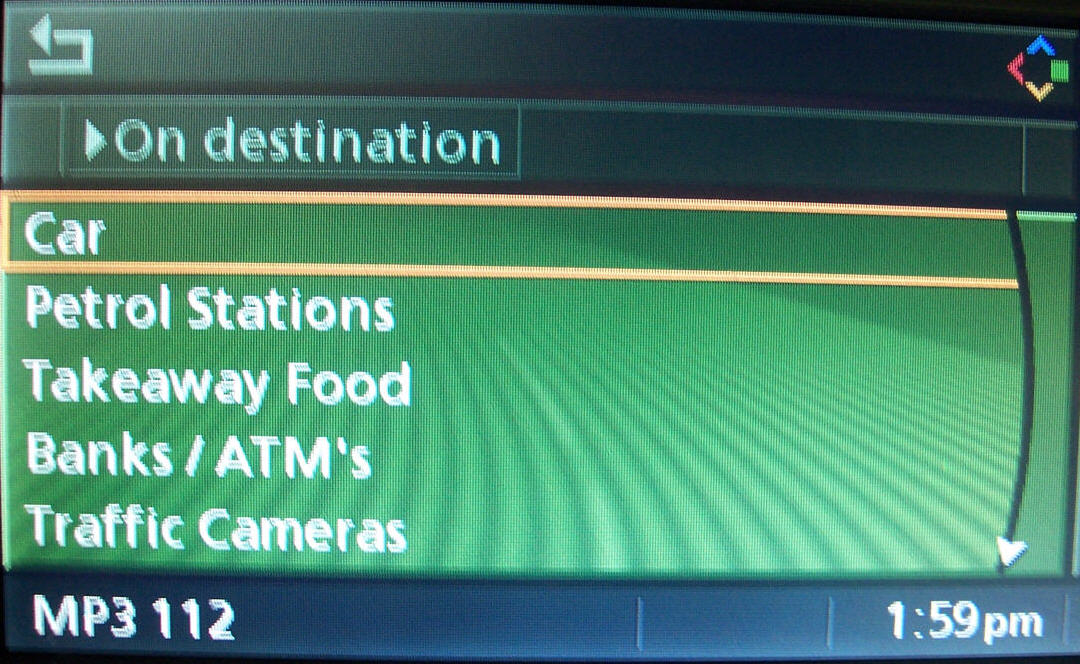
This shows the additional Petrol Stations I've added.
This shows the additional group called Takeaway Food and types within this group.
This shows the new group Traffic Cameras and the types within this group.
For a given destination, Mobile Cameras displays No entries available.
But changing to a Capital City, it displays.
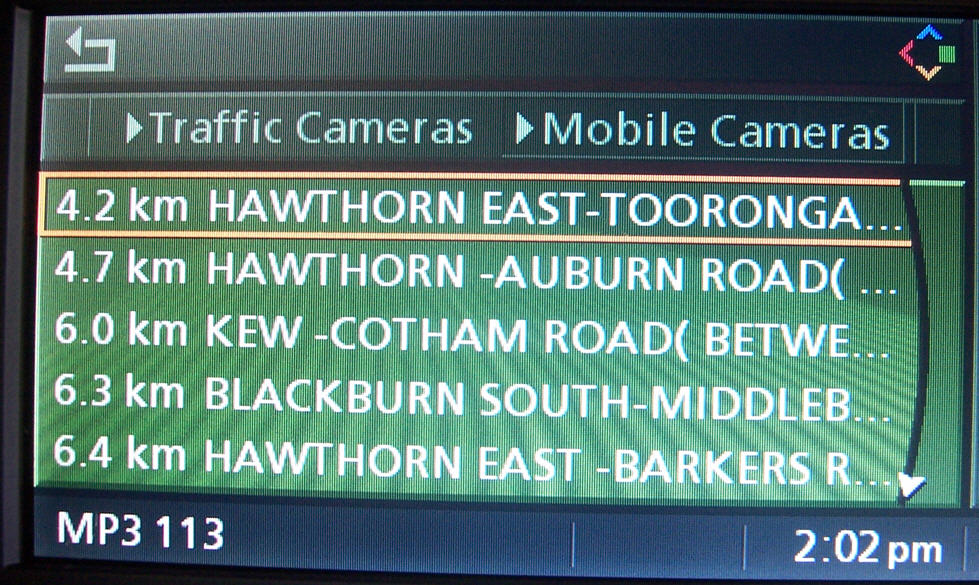
This is from a E60 Pro Nav DVD from Australia. You can also burn to a CD if the space required is under 700Mbs, mine only takes up about 575Mbs so it's on a CD-RW for testing purposes.
Cheerz
Members
Joined: Apr 2005
Posts: 79
Likes: 0
From: Warwick, UK
My Ride: '05 530D Sport Auto plus bits.
Originally Posted by daMANiack' post='395621' date='Feb 26 2007, 03:24 AM
Hi,
Are you saying that the screen just says No entries available , or you don't see the POI's to select?
If it says No entries available , try selecting a different destination like the capital city in your area. You see, someone has coded in the POI's into the file and most tend to code POI's near their own location. I was getting stumped originally thinking I'd done something wrong, but found that when I chose a major city as the destination, the POI's worked.
Cheerz
Are you saying that the screen just says No entries available , or you don't see the POI's to select?
If it says No entries available , try selecting a different destination like the capital city in your area. You see, someone has coded in the POI's into the file and most tend to code POI's near their own location. I was getting stumped originally thinking I'd done something wrong, but found that when I chose a major city as the destination, the POI's worked.
Cheerz
Regards
Fatlab

Members
Joined: Apr 2007
Posts: 56
Likes: 0
From: UK, London or Brighton
My Ride: 520D 2006 - Media Package, M-tec Kit, Lighting package, extended lights, Leather seats, Auto High beam. Carbon Black, with black leather.
Hi everyone,
I just joined this forum, and made the DVD but im having problems.
I've got a 520d june 2006, and just had the software updated a few days ago (newer interface, faster, and different colours) anyway, when i try to load the speed camers part, i get the message "there was no criteria matching your request". Now i dont know if did something wrong or if the software update has now made this incompatible.
(Also with the software update, you set a limit on how far you want it to search the area)
Any help would be useful
I just joined this forum, and made the DVD but im having problems.
I've got a 520d june 2006, and just had the software updated a few days ago (newer interface, faster, and different colours) anyway, when i try to load the speed camers part, i get the message "there was no criteria matching your request". Now i dont know if did something wrong or if the software update has now made this incompatible.
(Also with the software update, you set a limit on how far you want it to search the area)
Any help would be useful
Members
Joined: Apr 2007
Posts: 56
Likes: 0
From: UK, London or Brighton
My Ride: 520D 2006 - Media Package, M-tec Kit, Lighting package, extended lights, Leather seats, Auto High beam. Carbon Black, with black leather.
Check out this thread for the changes to the information in the nav system (its got the screenshots)
thread
thread

Members
Joined: Aug 2006
Posts: 105
Likes: 0
From: Motown UK
My Ride: [s]07 E60 535d LCI.Silver.172.Hifi.Ipod.Rear Tints.M Spoiler.[/s]
07 B7 RS4 Avant Misano Red
54 E87 120d Sport Sparkling Graphite
Just completed going thro' the instructions and with my 07-02 satnav, the speed camera fix works a treat. 
The only changes to the instructions were
IDX and URL are 0101 and 0102 (respectively)
SA lines became
and that was about it.
I did find that burning with Nero on a DVD-R disk rated at 16x resulted in quite a slow SatNav. So I did two things:
1) Slowed the burn speed to 4x
2) Used UltraIso V8.x to inject the modified files into the original ISO. The logic being i) Preserve the original DVD format ii) Optimize file placement.
The resultant DVD-R is just as fast as the original BMW part.
Ed
The only changes to the instructions were
IDX and URL are 0101 and 0102 (respectively)
SA lines became
Code:
SA 9000 10004 10007
I did find that burning with Nero on a DVD-R disk rated at 16x resulted in quite a slow SatNav. So I did two things:
1) Slowed the burn speed to 4x
2) Used UltraIso V8.x to inject the modified files into the original ISO. The logic being i) Preserve the original DVD format ii) Optimize file placement.
The resultant DVD-R is just as fast as the original BMW part.
Ed

