


trying to program LM2 for lci lights

Thread Starter
Senior Members
Joined: Jul 2008
Posts: 3,652
Likes: 0
My Ride: 2006 BMW 550i

so i got everything installed for my pre-lci xenons to lci xenons.
the light control module(LM2) i have is out of a used 7 series. part#61359153273
i was trying to use Progman, and selecting the light option under retrofits.
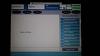
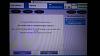
when i install the used LM2, i get a list of module errors that dont show up when my original LM is installed.
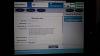
the LM option doesnt even show up in the available control unit list, when i answer yes to the 'have modules been replaced question'
what can i do? i was hoping to use Progman for simplicity.
i have ncsexpert, winkfpt, inpa, and tool32 at my disposal....but i'm a newb still.
bruce miranda has a good writeup here:http://www.bmwcoding.com/showthread....nge-LM1-to-LM2
i couldnt get my inpa to read the LM2 module, and in winkfpt, i think i need to update my datens...
any help is appreciated.
the light control module(LM2) i have is out of a used 7 series. part#61359153273
i was trying to use Progman, and selecting the light option under retrofits.
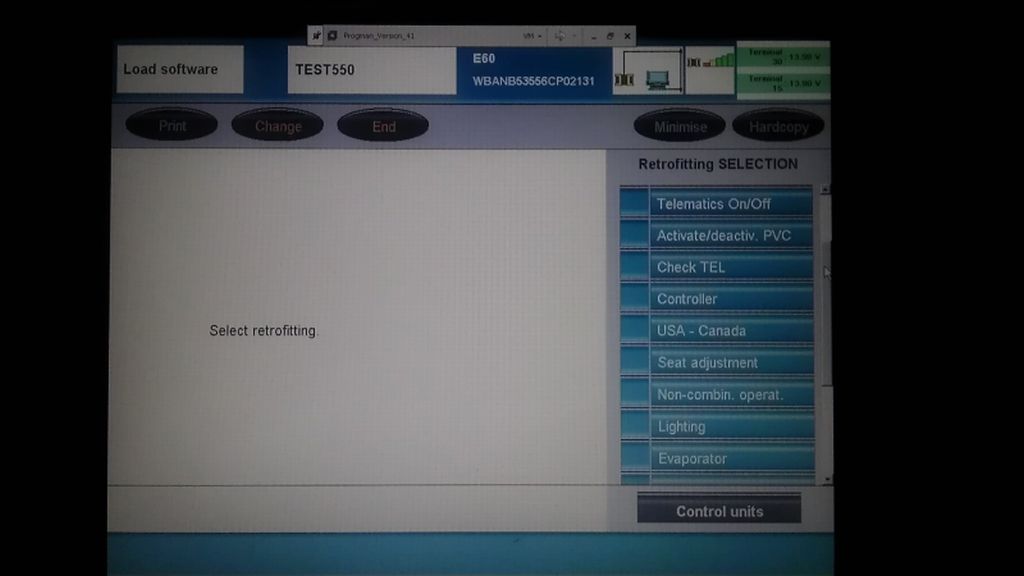
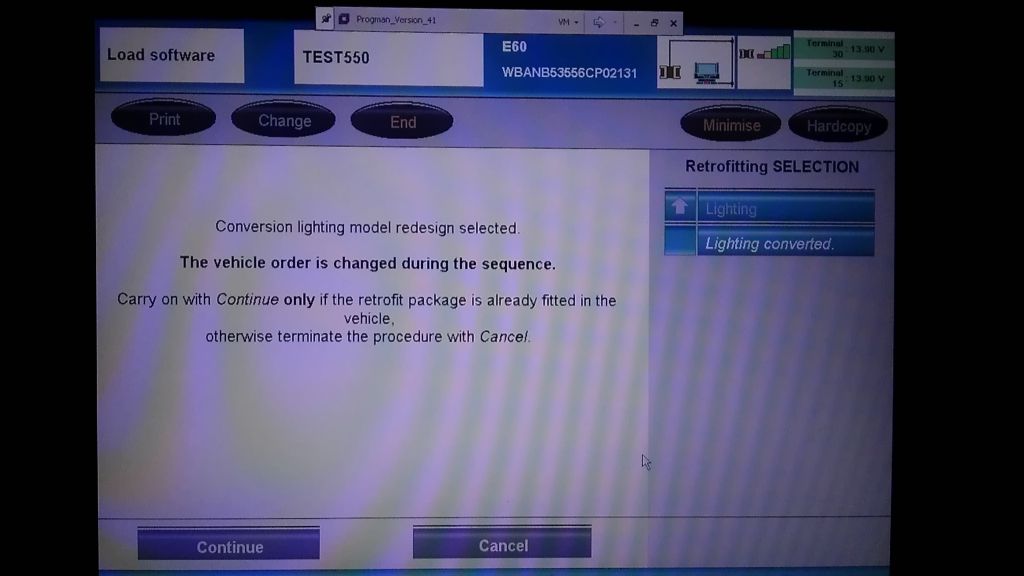
when i install the used LM2, i get a list of module errors that dont show up when my original LM is installed.
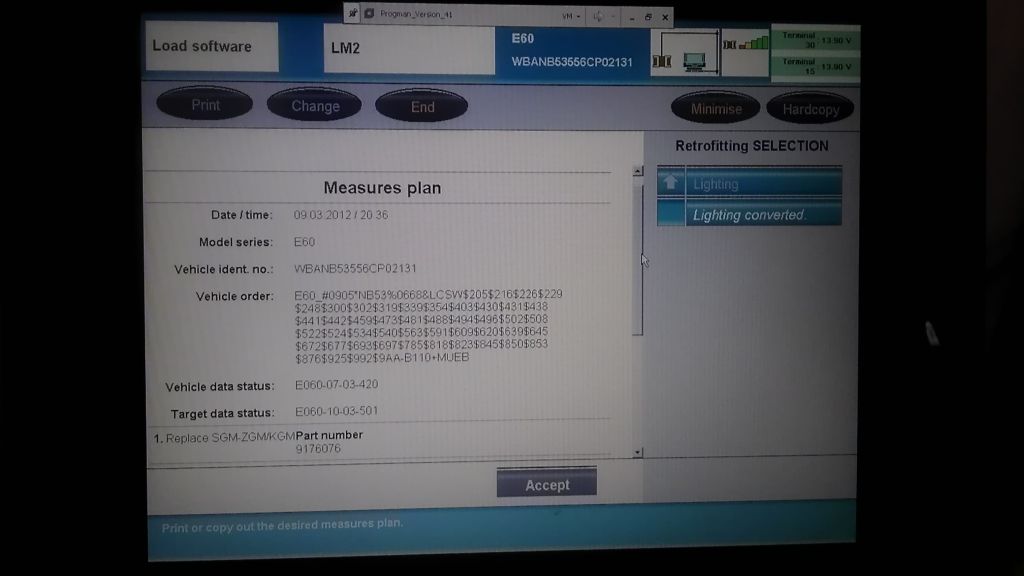
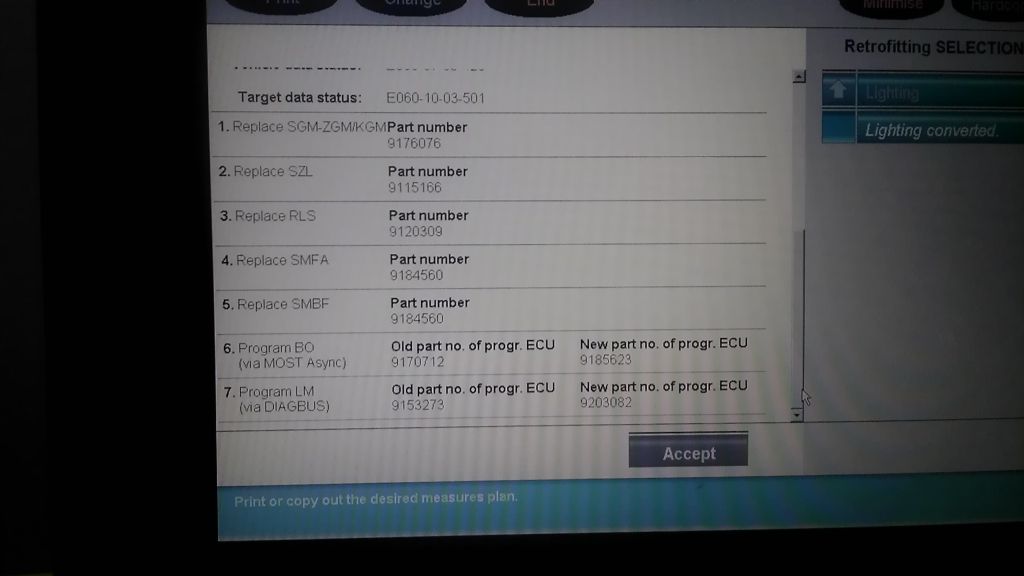
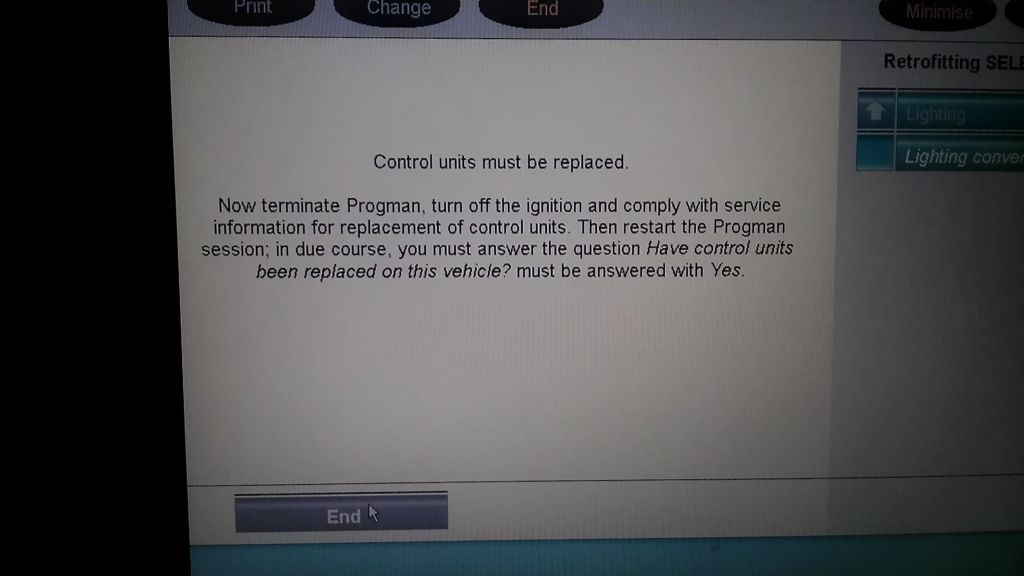
the LM option doesnt even show up in the available control unit list, when i answer yes to the 'have modules been replaced question'
what can i do? i was hoping to use Progman for simplicity.
i have ncsexpert, winkfpt, inpa, and tool32 at my disposal....but i'm a newb still.
bruce miranda has a good writeup here:http://www.bmwcoding.com/showthread....nge-LM1-to-LM2
i couldnt get my inpa to read the LM2 module, and in winkfpt, i think i need to update my datens...
any help is appreciated.

Members
Joined: Dec 2011
Posts: 23
Likes: 0
From: London
My Ride: 2008 E60 525i
I assume the LM unit has been previously coded to another vehicle and I suspect this may be part your problem. From experience with other vehicle brands it may be that the LM unit needs to be uncoded and put back into transit mode (as it was when new) in order that it can be re coded to your vehicle. I'm sure one of the forum's more knowledgeable posters on Coding will offer greater knowledge more BMW specific and I shall follow this with interest.
Thread Starter
Senior Members
Joined: Jul 2008
Posts: 3,652
Likes: 0
My Ride: 2006 BMW 550i
I assume the LM unit has been previously coded to another vehicle and I suspect this may be part your problem. From experience with other vehicle brands it may be that the LM unit needs to be uncoded and put back into transit mode (as it was when new) in order that it can be re coded to your vehicle. I'm sure one of the forum's more knowledgeable posters on Coding will offer greater knowledge more BMW specific and I shall follow this with interest.
Senior Members
Joined: Jun 2009
Posts: 2,680
Likes: 7
My Ride: E60 530i
Well since its all ready why dont you just change your FA and marry it to the car? With NCS.
Progman is a stubborn bi$@&! If you want to flash manually you have to setup Winkfp. E60 daten is about 7 gigs bro and is a very drawn out process if you're not familiar with it.
So why don't you just do this:
Keep the lm2 in the car and change you FA manually with NCS then process the car (complete encode)
Doesn't matter if the old vin is attached to the module.
If that doesn't work then you flash with Winkfp and although you put your vin in it still will not rewrite it but that doesn't matter really because it flashes. Then do the steps above and completely encode car.
Progman is a stubborn bi$@&! If you want to flash manually you have to setup Winkfp. E60 daten is about 7 gigs bro and is a very drawn out process if you're not familiar with it.
So why don't you just do this:
Keep the lm2 in the car and change you FA manually with NCS then process the car (complete encode)
Doesn't matter if the old vin is attached to the module.
If that doesn't work then you flash with Winkfp and although you put your vin in it still will not rewrite it but that doesn't matter really because it flashes. Then do the steps above and completely encode car.
Thread Starter
Senior Members
Joined: Jul 2008
Posts: 3,652
Likes: 0
My Ride: 2006 BMW 550i


Contributors
Joined: Nov 2007
Posts: 140
Likes: 0
From: Copenhagen - Denmark
My Ride: 2003 E60 520i Black Metalic. Glass Sun Roof, Climate Control High, Bluetooth, Leather Memory, PDC, Adaptive Xenon, Navi Pro, Voice Control, Ipod, Folding rear seats, OEM 172 19" Summer Wheels, OEM 138 17" Winter Wheels.
Use Bruce Miranda's guide for upgrading using NCS and Tool32. I did, and it was as easy as 1 - 2 - 3 (thanks Bruce!). I did not even update the SW with WinKFP as in Bruce's guide.
Here is the link:
http://www.bmwcoding.com/showthread....nge-LM1-to-LM2
Of course this requires a working NCS / Tool32 setup. But if in doubt, look at bmwcoding.com - it has a lot of good information that will get you going.
After following Bruce's guide, I simply added +MUEB to the FA in both CAS and LMA, and then coded the car in ExpertMode. That's it - LCI upgrade working!
Here is the link:
http://www.bmwcoding.com/showthread....nge-LM1-to-LM2
Of course this requires a working NCS / Tool32 setup. But if in doubt, look at bmwcoding.com - it has a lot of good information that will get you going.
After following Bruce's guide, I simply added +MUEB to the FA in both CAS and LMA, and then coded the car in ExpertMode. That's it - LCI upgrade working!
Thread Starter
Senior Members
Joined: Jul 2008
Posts: 3,652
Likes: 0
My Ride: 2006 BMW 550i
Use Bruce Miranda's guide for upgrading using NCS and Tool32. I did, and it was as easy as 1 - 2 - 3 (thanks Bruce!). I did not even update the SW with WinKFP as in Bruce's guide.
Here is the link:
http://www.bmwcoding.com/showthread....nge-LM1-to-LM2
Of course this requires a working NCS / Tool32 setup. But if in doubt, look at bmwcoding.com - it has a lot of good information that will get you going.
After following Bruce's guide, I simply added +MUEB to the FA in both CAS and LMA, and then coded the car in ExpertMode. That's it - LCI upgrade working!
Here is the link:
http://www.bmwcoding.com/showthread....nge-LM1-to-LM2
Of course this requires a working NCS / Tool32 setup. But if in doubt, look at bmwcoding.com - it has a lot of good information that will get you going.
After following Bruce's guide, I simply added +MUEB to the FA in both CAS and LMA, and then coded the car in ExpertMode. That's it - LCI upgrade working!
i'm going to try and change the vo through ncsexpert, and see what happens.
Contributors
Joined: Nov 2007
Posts: 140
Likes: 0
From: Copenhagen - Denmark
My Ride: 2003 E60 520i Black Metalic. Glass Sun Roof, Climate Control High, Bluetooth, Leather Memory, PDC, Adaptive Xenon, Navi Pro, Voice Control, Ipod, Folding rear seats, OEM 172 19" Summer Wheels, OEM 138 17" Winter Wheels.
INPA does not see mine either. I think it has to do with a wrong INPA setup though. It did not see my LM1 either.
Thread Starter
Senior Members
Joined: Jul 2008
Posts: 3,652
Likes: 0
My Ride: 2006 BMW 550i
ok, so i went into ncsexpert, and compared VO between my original LM and the used one i bought off a 7series. they both show the same FA codes, but displayed the different vins.
so i put the new LM in, went into "enter FA" and changed the date code from #0905 to #0909, and i added "+MUEB". i went back, selected "process ecu", chose "LM". then i chose job as "FA_write", then "execute".
now when i compare the VO betweeb the LM and the CAS, the changes are there in the LM, but not the CAS.
was there anything else i should do?
my lights are still not working.....when light switch is on parking, only eyebrows are on in front, and leds on in rear along with one of the brake bulbs on each side being on.
so i put the new LM in, went into "enter FA" and changed the date code from #0905 to #0909, and i added "+MUEB". i went back, selected "process ecu", chose "LM". then i chose job as "FA_write", then "execute".
now when i compare the VO betweeb the LM and the CAS, the changes are there in the LM, but not the CAS.
was there anything else i should do?
my lights are still not working.....when light switch is on parking, only eyebrows are on in front, and leds on in rear along with one of the brake bulbs on each side being on.